
OpenVireo for iPhone
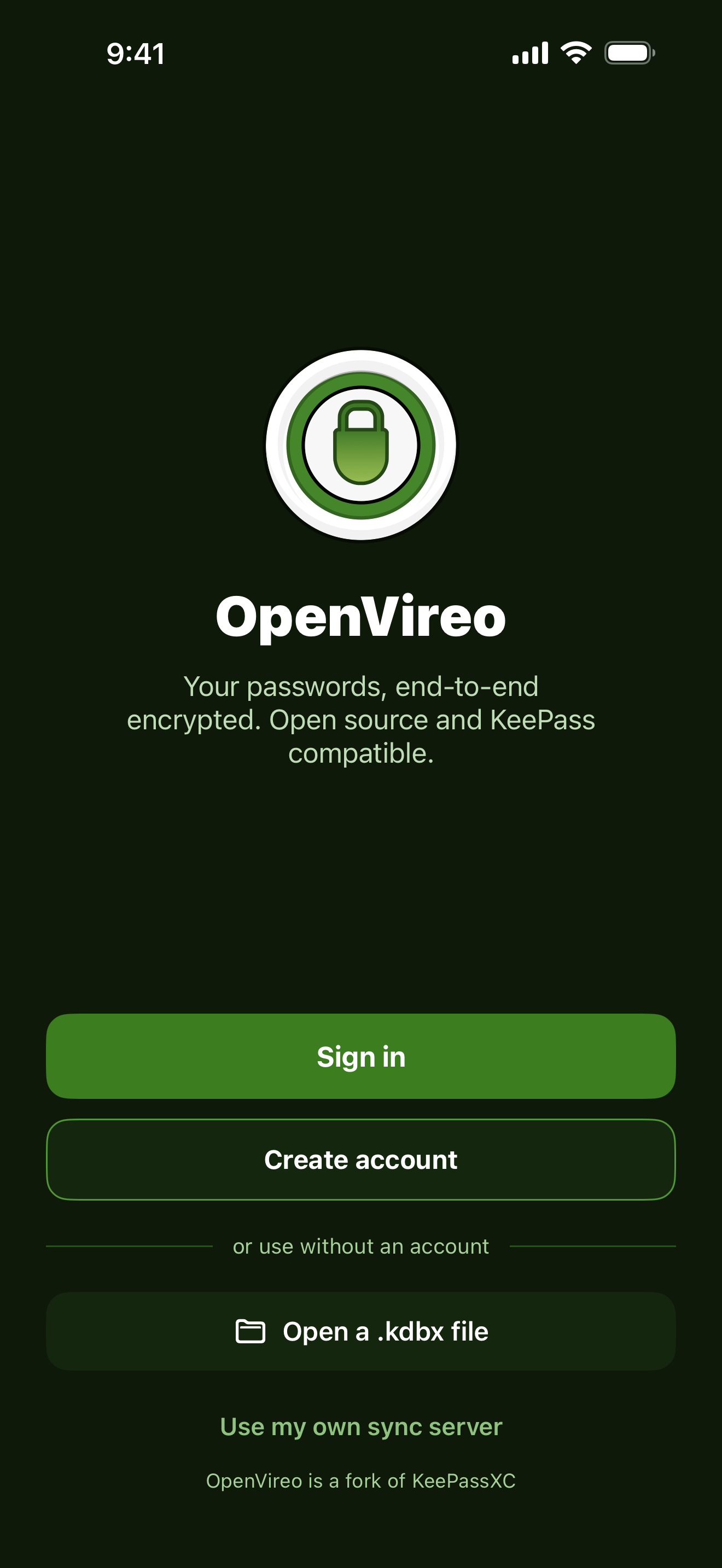
Your KeePass files and your synced vaults, in your pocket. Open .kdbx files from Files, or sign in to an end-to-end encrypted account and keep every device up to date.
For iPhone with iOS 18 or later
Everything you need,
wherever you are
The iPhone app reads and writes the same KeePass databases as OpenVireo on your computer, and the same encrypted vaults as the web app.
No account needed
Your KeePass files on your iPhone
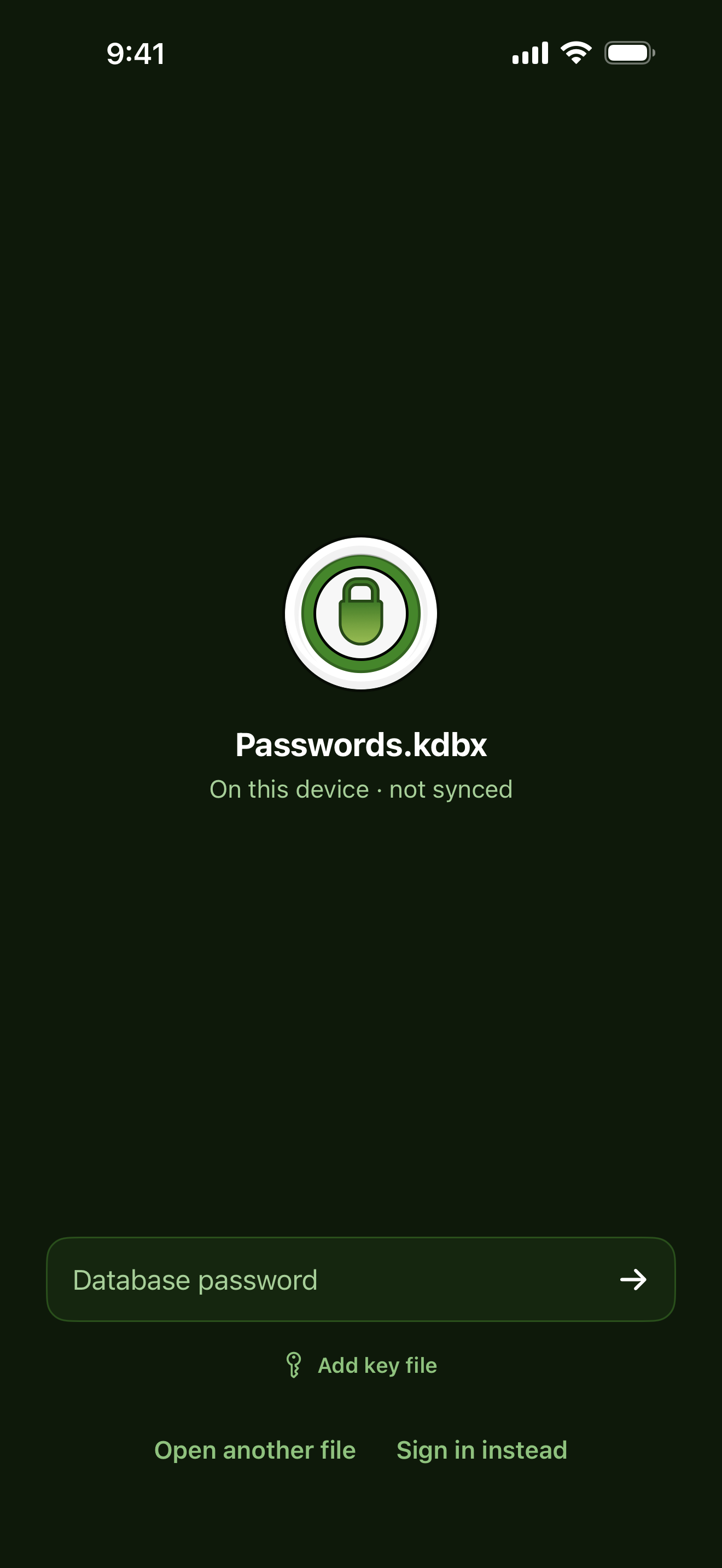
Open .kdbx files from Files, iCloud Drive or any storage app, or create a new database right on your phone. Changes are saved back to the file, so it keeps working with OpenVireo and KeePassXC on your computer.
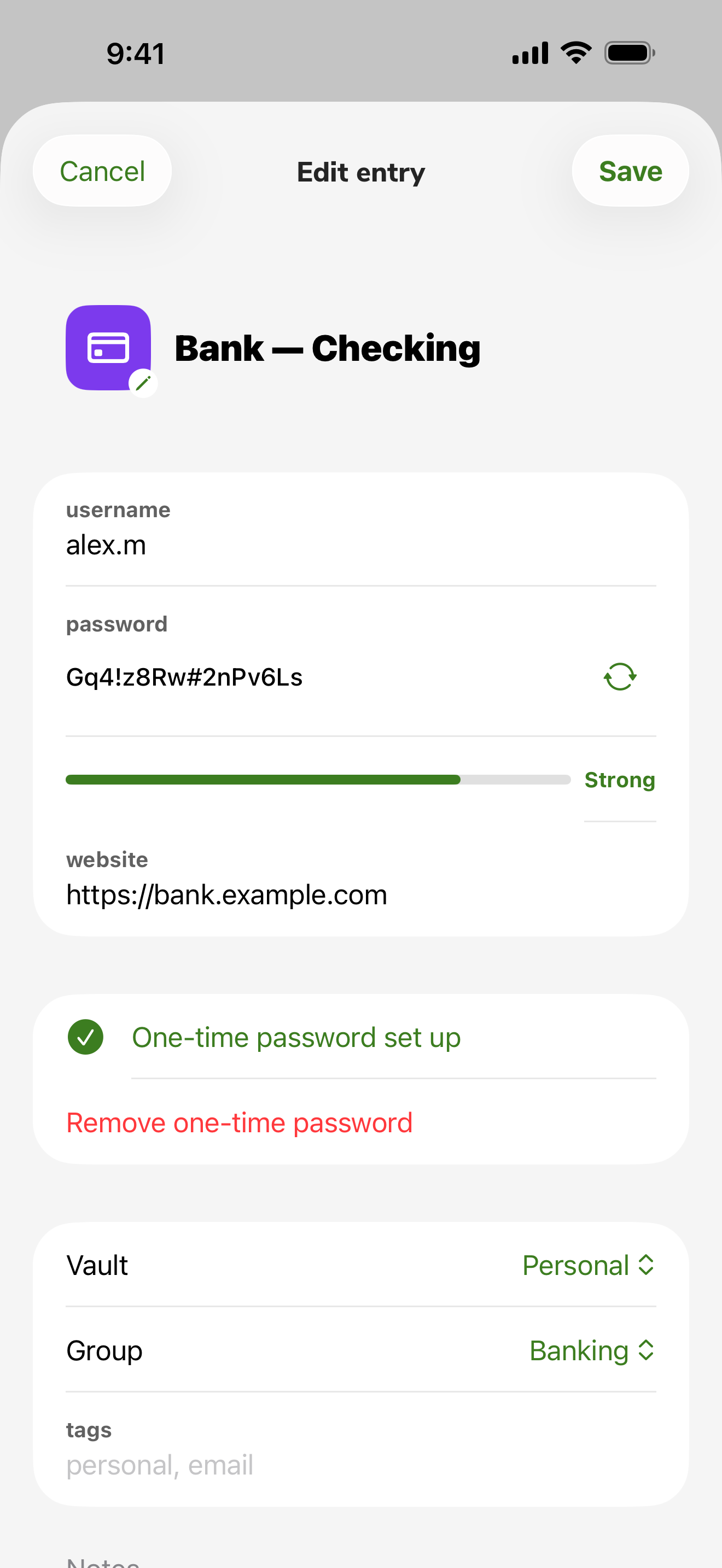
- Passwords, notes, attachments and custom fields
- One-time passwords, with a QR code scanner
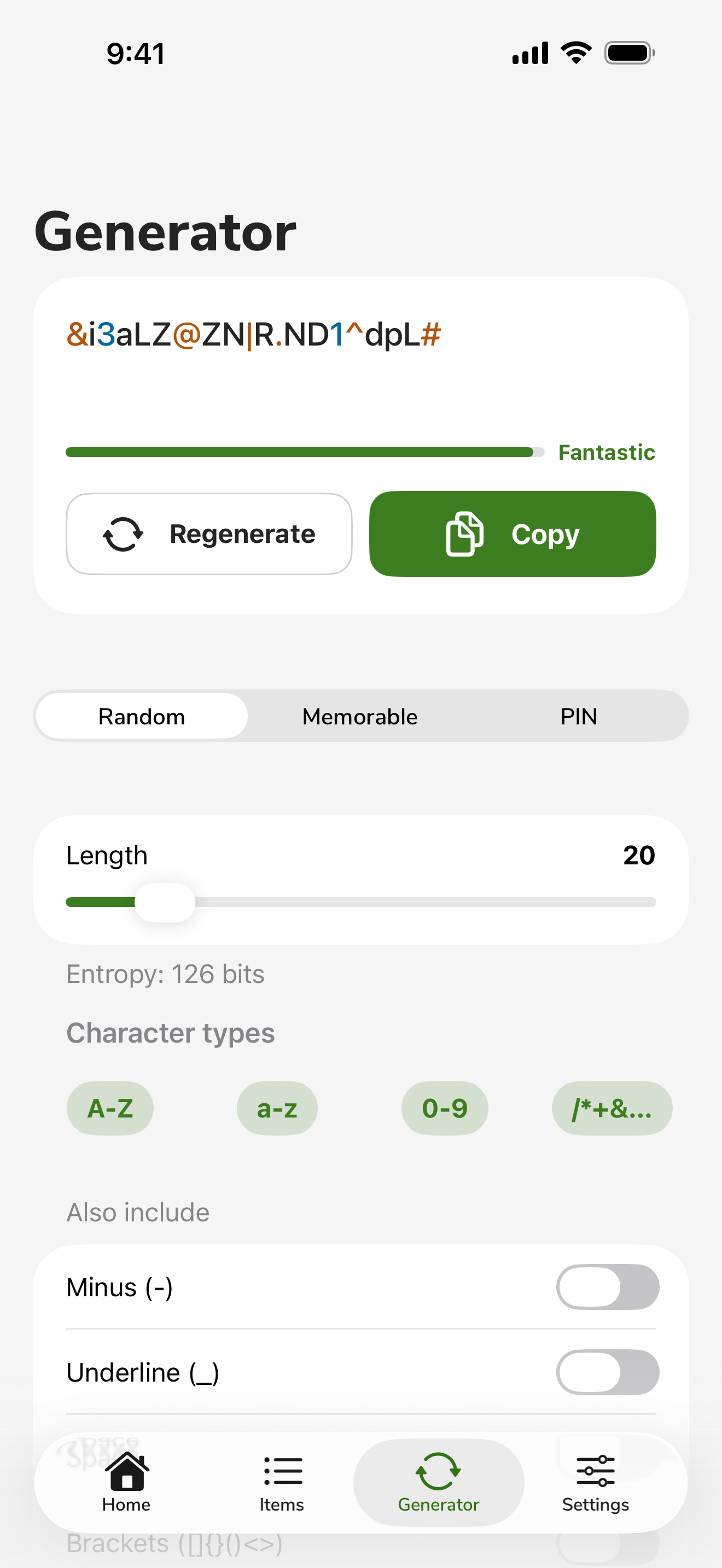
- A password generator for random passwords, passphrases and PINs
Sync if you want to
An account that can't read your passwords
Create a free account to sync your vaults between your iPhone, your computers and the web app. Everything is encrypted on your device with your master password and a Secret Key that only you hold, on your Emergency Kit.
Compare plans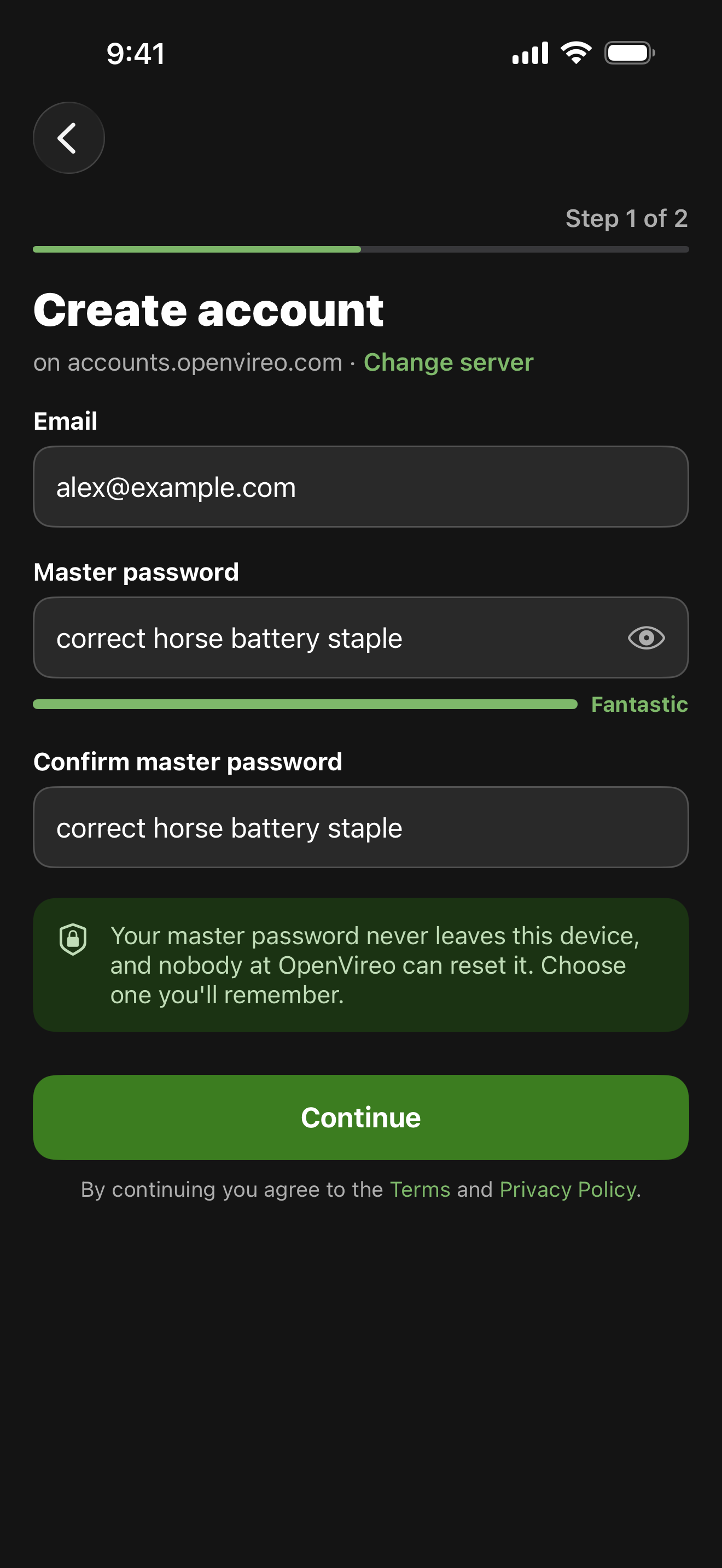
Bring what you have
Move your .kdbx into your account
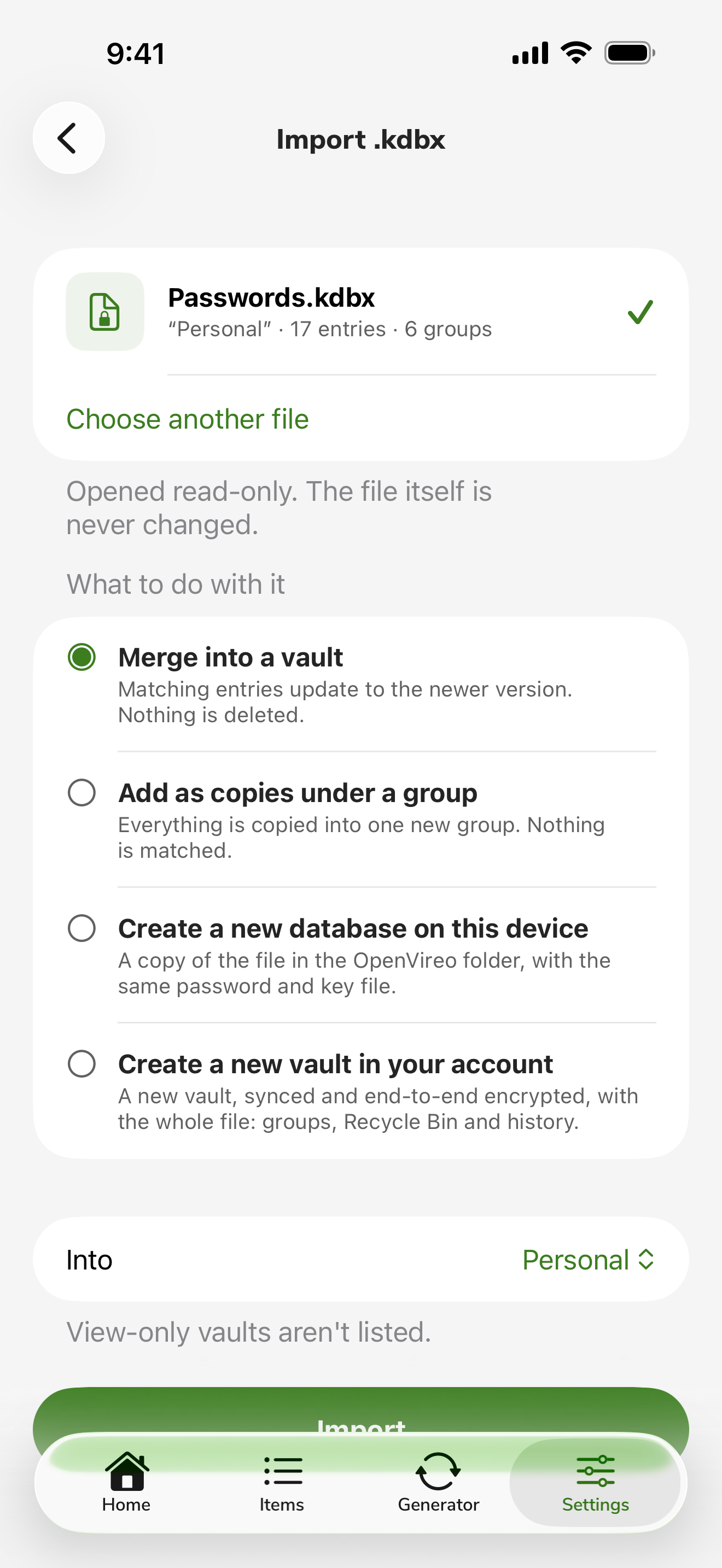
Import a KeePass file into a vault: merge it, add it as copies under a group, or make it a new synced vault. The file itself is opened read-only and never changed.
For teams
Organizations in your pocket
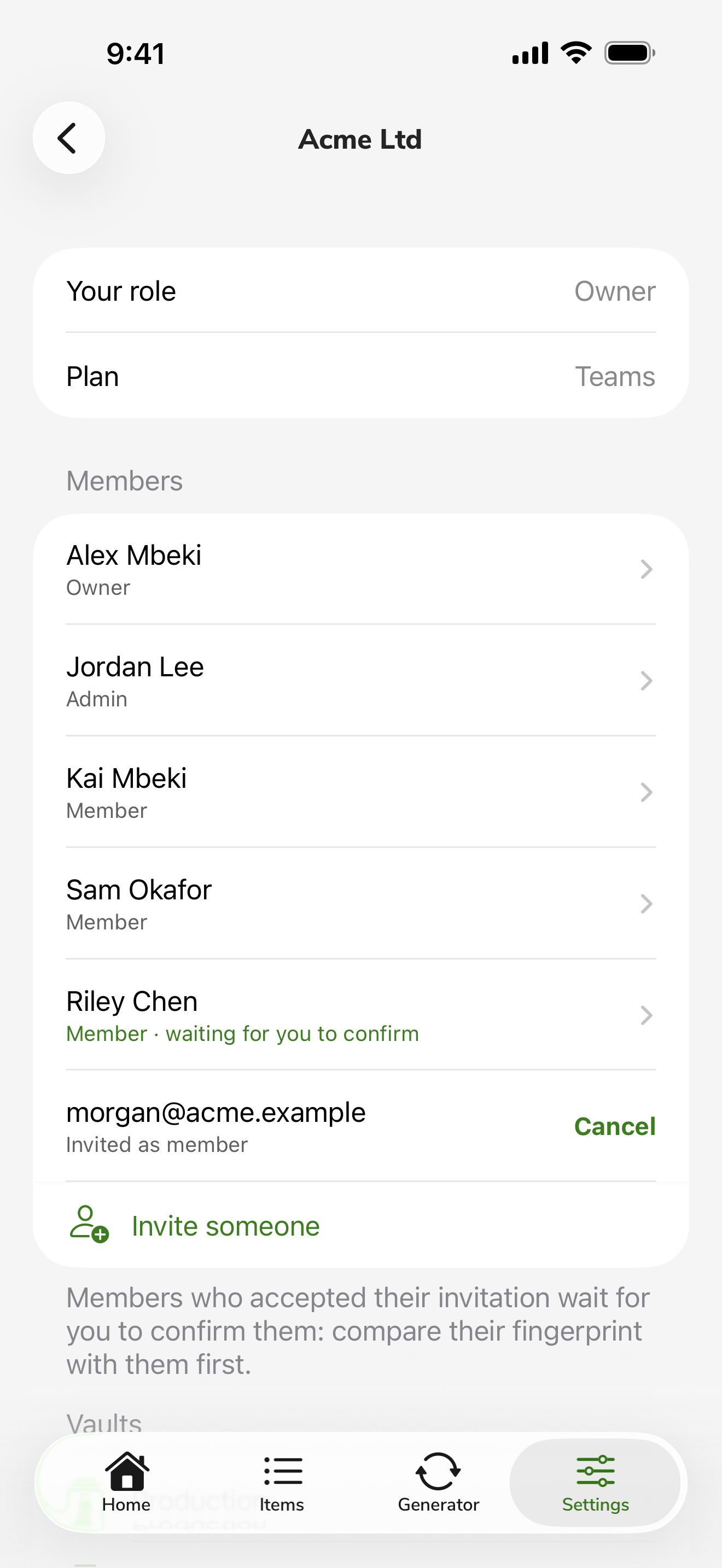
Invite people, confirm new members after comparing their fingerprints, and choose who can open each of your organization's vaults, all from your phone.
Screenshots
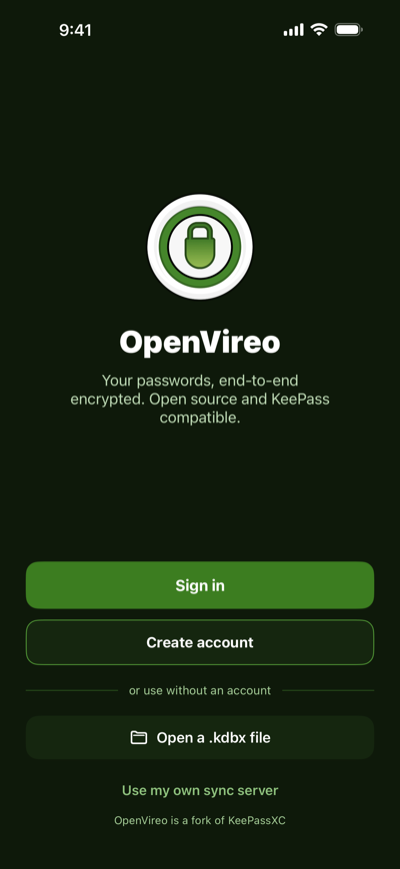 Welcome
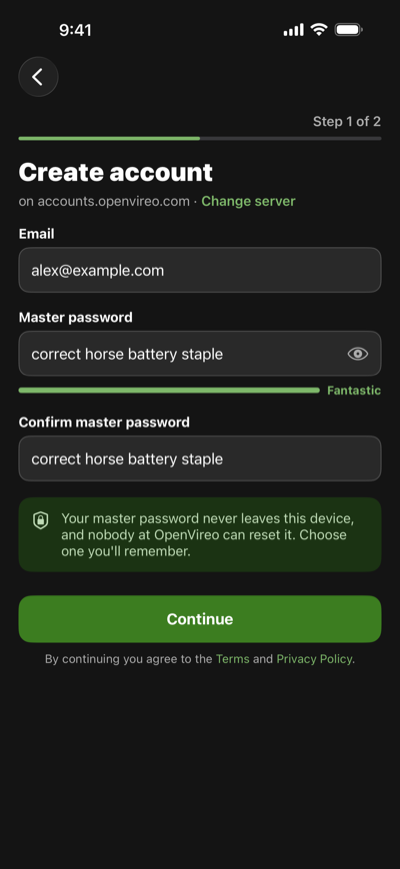 Create an account
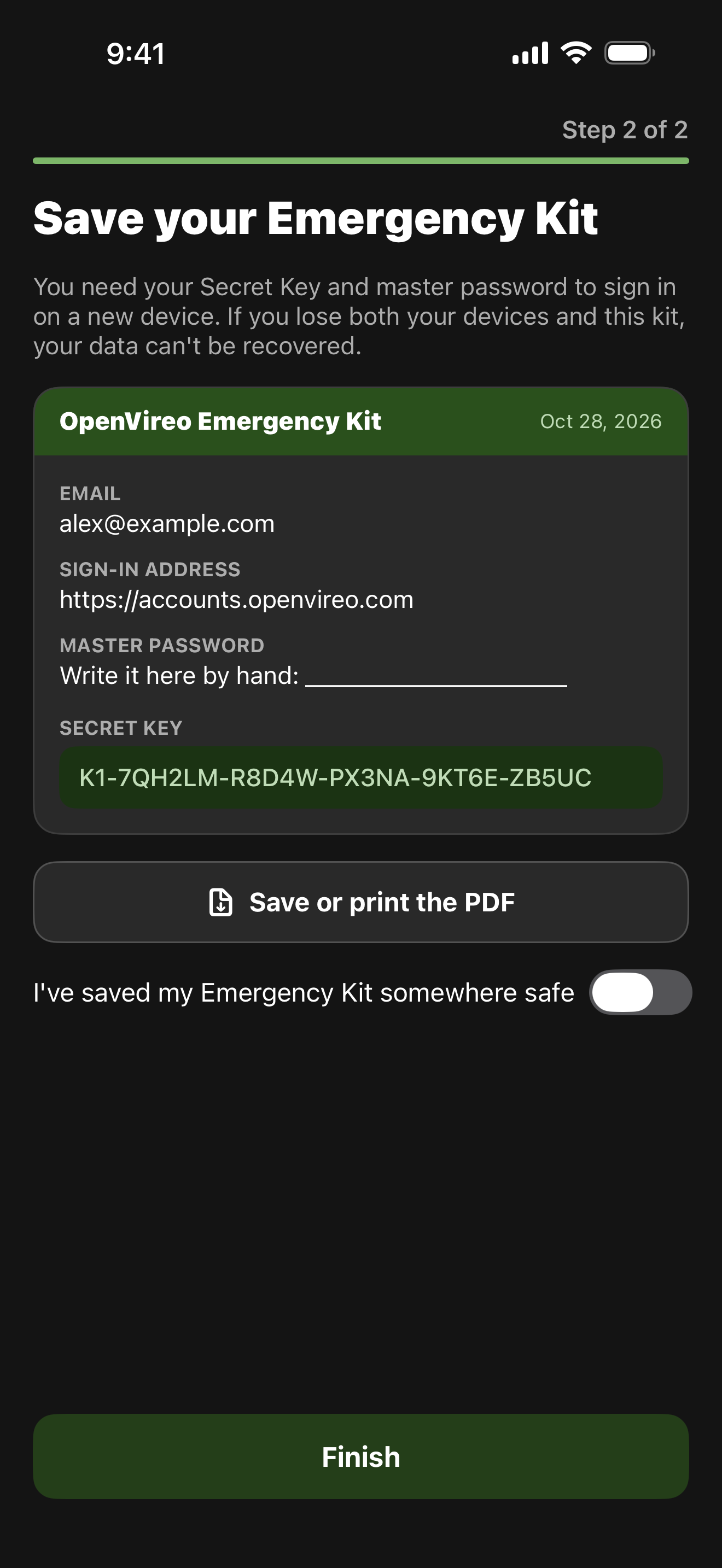
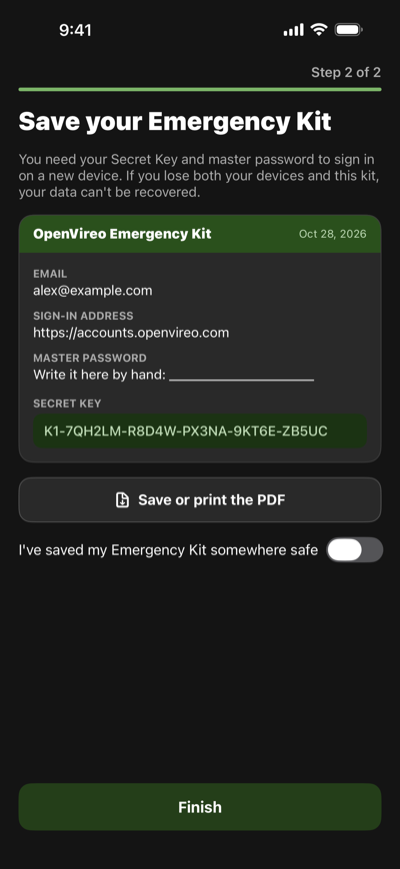 Your Emergency Kit
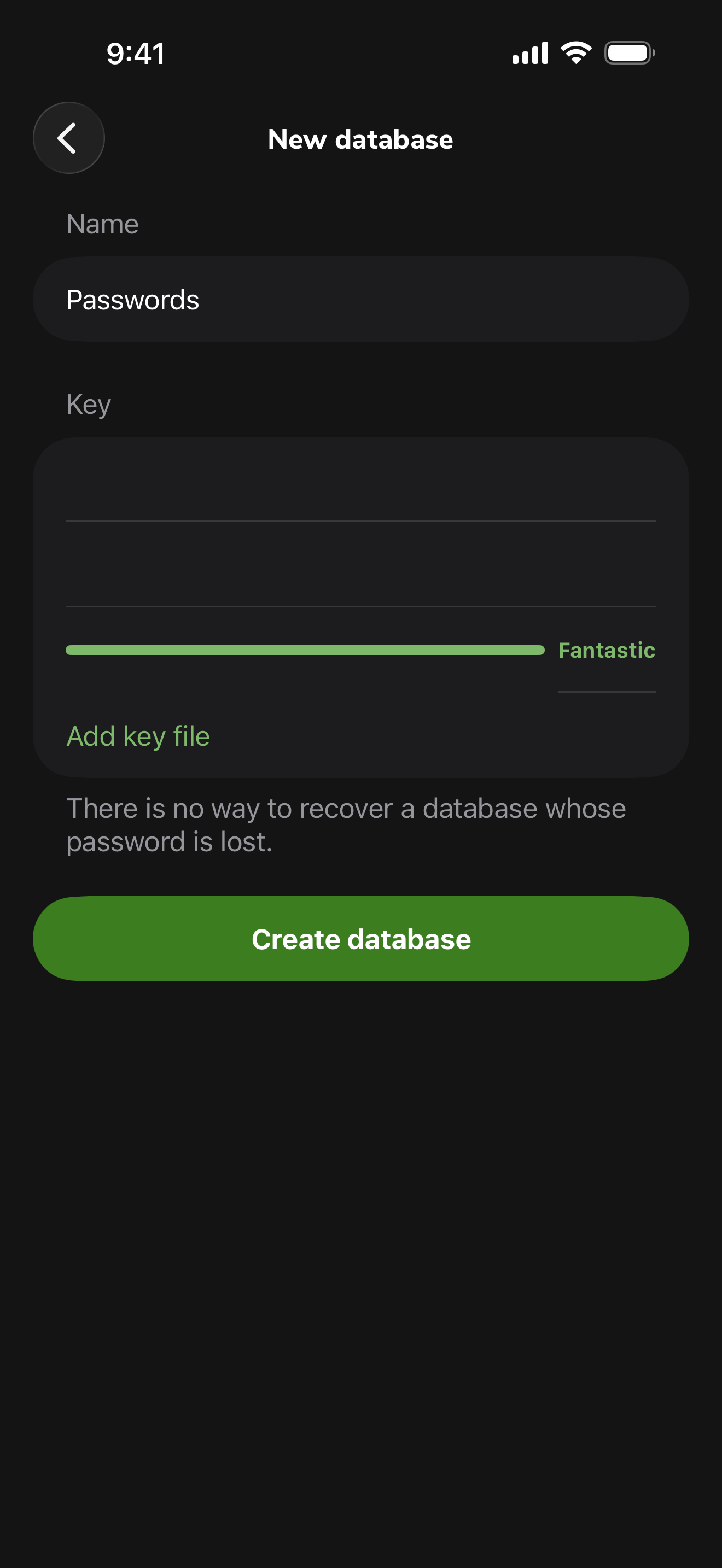
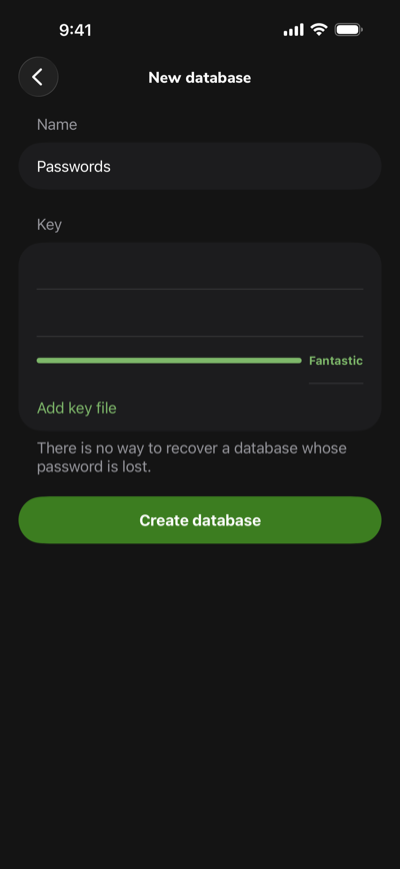 New database on your iPhone
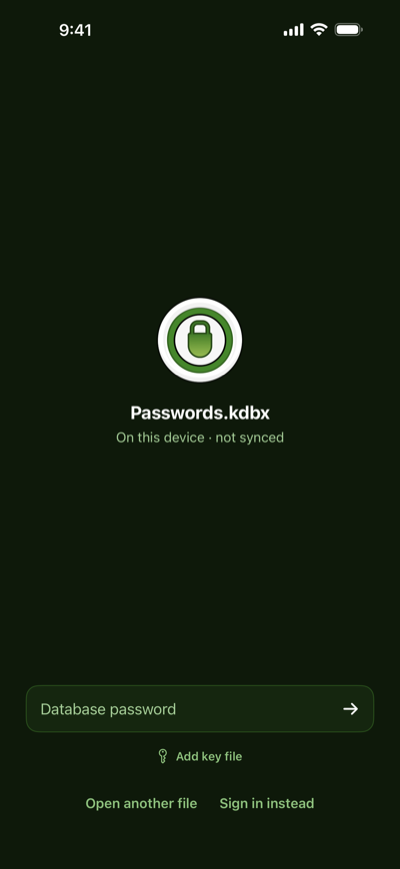 Unlock a KeePass file
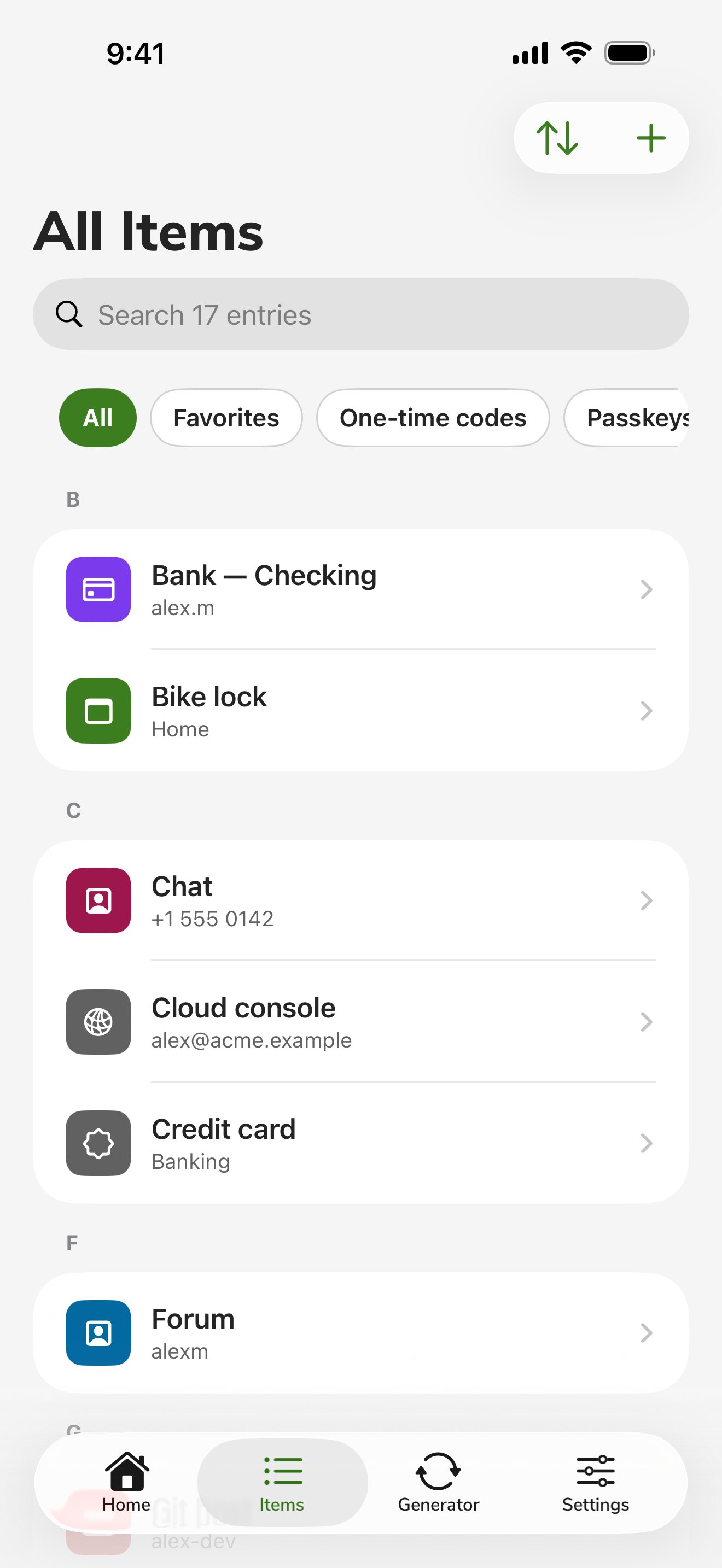
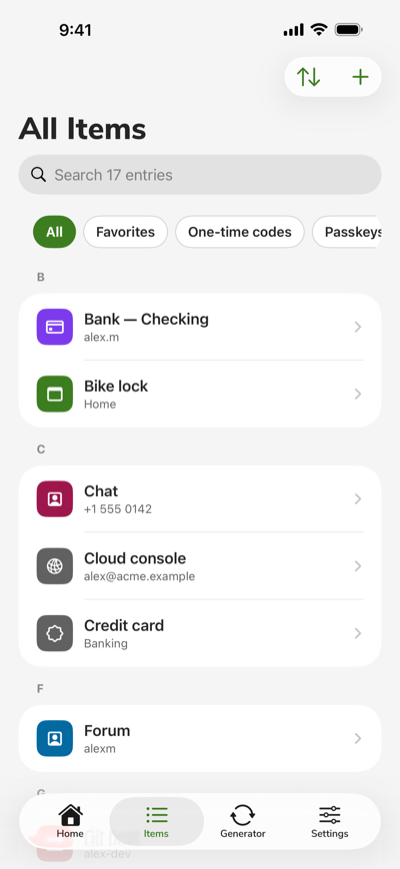 All your items
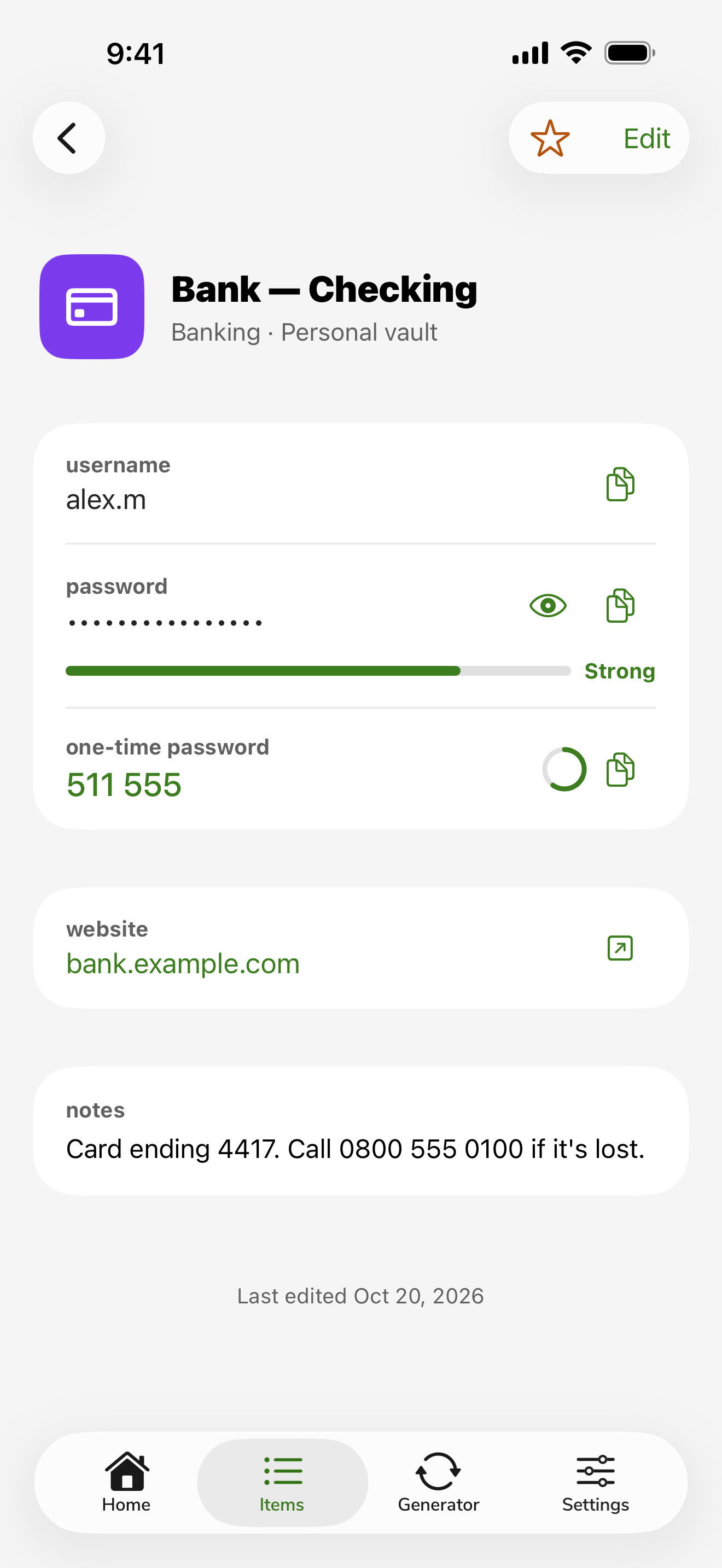
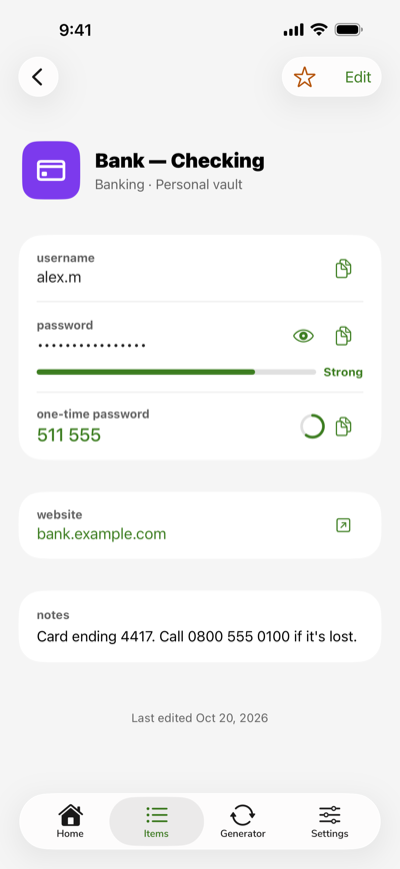 Entry with a one-time password
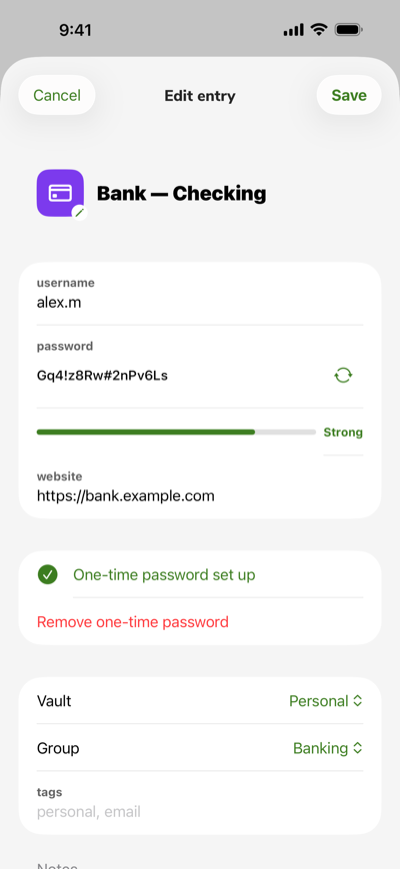 Edit an entry
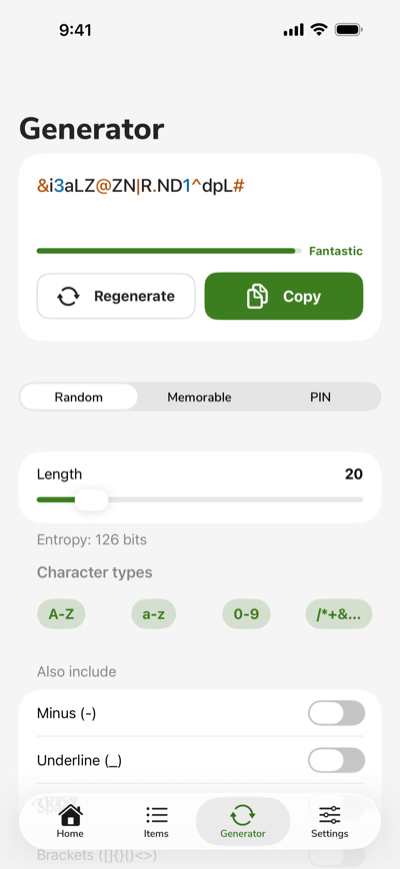 Password generator
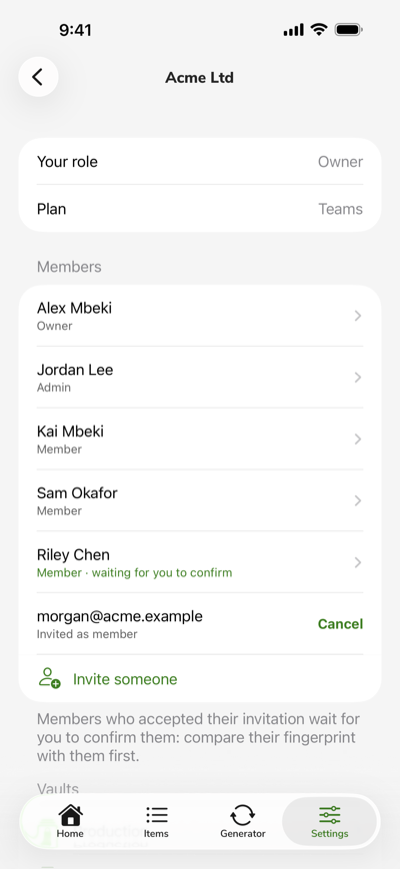 Organization members
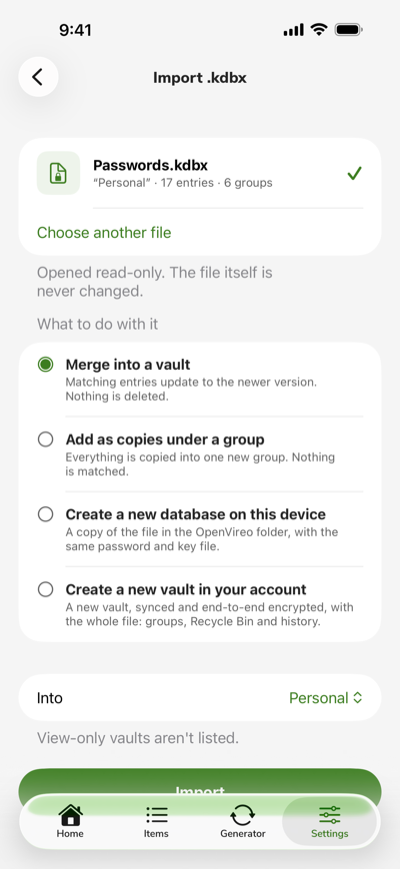 Import a .kdbx file
AutoFill
Fill passwords and passkeys in Safari and your apps, from your account vaults and your KeePass files.
Face ID
Unlock with a glance. OpenVireo locks itself again when you leave it, after the time you choose.
Your own server
Run the open-source sync server yourself and keep your KeePass files in step on every device.
Take back control of your passwords
Free, open source, and ready in minutes.