
OpenVireo supports multiple ways to export your database for transfer to another program or to print out and archive.
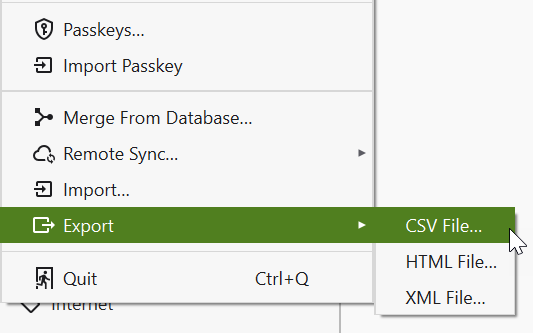
The HTML export file is intended to be human-readable (viewed/printed in a web browser) rather than machine-readable (re-imported into another database file). The intention of HTML export is to provide a "paper backup" functionality for those who want to ensure access to their passwords in case of catastrophic failure of IT infrastructure. To create a paper backup, export the database to an HTML file, print the file with your web browser, then delete the file.
For more information, check out the blog article about paper backups.
The User Guide guide covers OpenVireo, based on KeePassXC 2.8.0, last updated 23 October 2026. Found a mistake? Help improve the docs on GitHub.