
OpenVireo is a modern, secure, and open-source password manager that stores and manages your most sensitive information. You can run OpenVireo on Windows, macOS, and Linux systems.
OpenVireo is a fork of KeePassXC, built on the work of the KeePassXC Team and contributors. It is an independent project, not affiliated with or endorsed by the KeePassXC Team.
OpenVireo is for people with extremely high demands of secure personal data management. It saves many different types of information, such as usernames, passwords, URLs, attachments, and notes in an encrypted file that can be stored in any location, including private and public cloud solutions, or in the vaults of an optional OpenVireo account that syncs them between your devices. For easy identification and management, user-defined titles and icons can be specified for entries. In addition, entries are sorted in customizable groups. An integrated search function allows you to use advanced patterns to easily find any entry in your database. A customizable, fast, and easy-to-use password generator utility allows you to create passwords with any combination of characters or easy to remember passphrases.
Overview
You can store an unlimited number of passwords and information in an OpenVireo database. Every piece of information you store in your database is encrypted at all times within the kdbx file. When you are accessing your database from within OpenVireo, your information is decrypted and stored in your computer’s memory. OpenVireo places controls over the access to this data so other applications cannot read it (unless they have administrative rights). The interface is designed to let you quickly access your passwords, search for the right entry, perform Auto-Type or copy/paste operations, make and save changes, and then get out of your way.
OpenVireo ships with light and dark themes specifically designed to meet accessibility standards. By default the theme follows your system’s light or dark appearance, but you can always set a specific theme in the application settings.
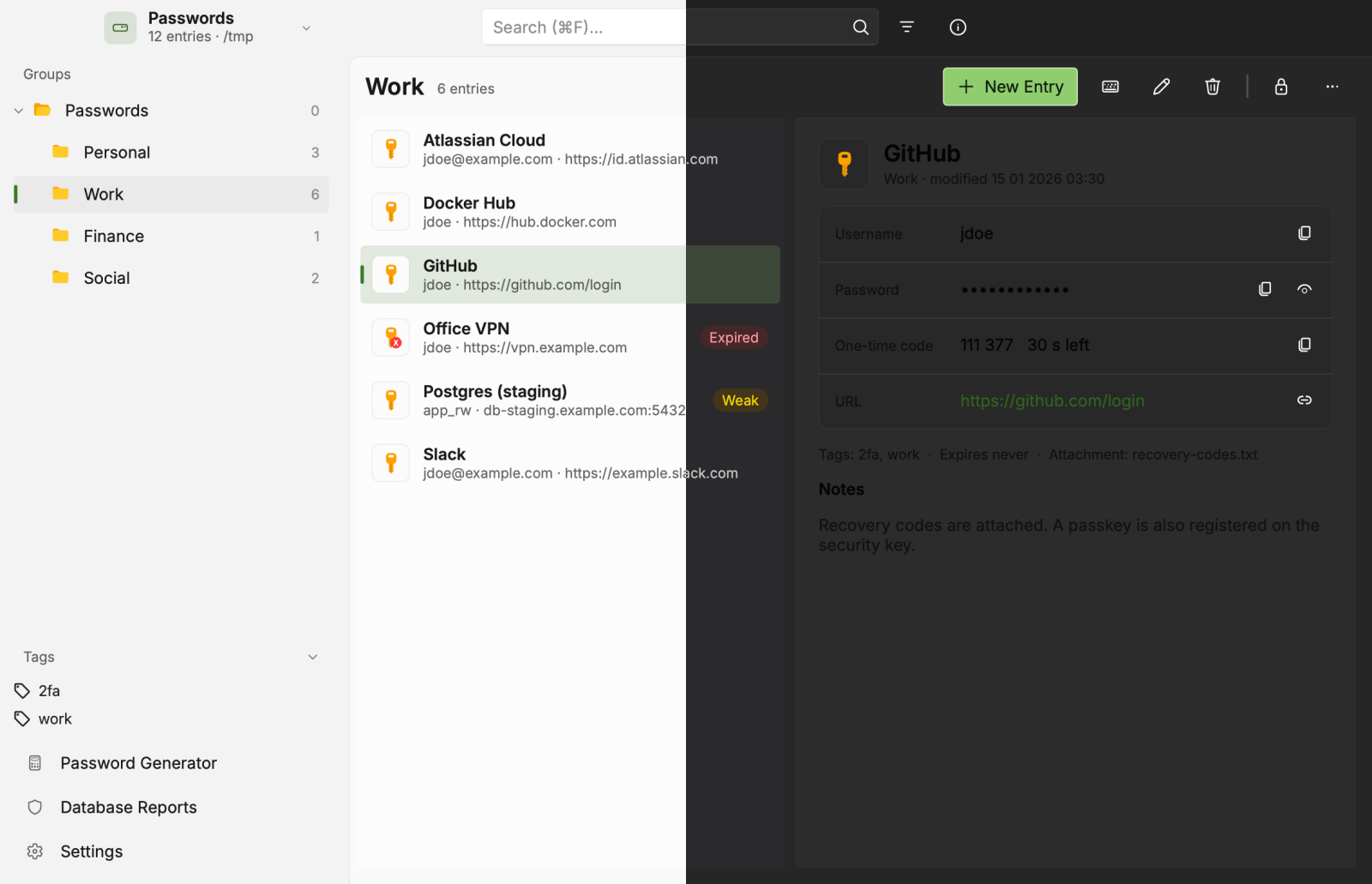
Features
OpenVireo has numerous features for novice and power users alike. This guide will go over the basic features to get you up and running quickly. The User Guide contains more in-depth discussions on the major features in the application.
Basic Features
Create, open, and save databases in the KDBX format (KeePass Compatible)
Store sensitive information in entries that are organized by groups
Search for entries
Password generator
Auto-Type passwords into applications
Browser integration with Google Chrome, Mozilla Firefox, Microsoft Edge, Chromium, Vivaldi, Brave, and Tor-Browser
Support for passkeys using the browser integration
Entry icon download
Import databases from CSV, 1Password, Bitwarden, Proton Pass, and KeePass1 formats
Optional OpenVireo account: vaults that sync between your computers and OpenVireo Web in the browser, encrypted end to end
Advanced Features
Database reports (password health, HIBP, and statistics)
Database export to CSV, XML, and HTML formats
TOTP storage and generation
Field references between entries
File attachments and custom attributes
Entry history and data restoration
YubiKey/OnlyKey challenge-response support
Command line interface (openvireo-cli)
Auto-Open databases
KeeShare shared databases (import, export, and synchronize)
Automatic sync with your own OpenVireo Sync Server, with field-by-field merging, version history, and device pairing
Remote sync with your own download and upload commands (scp, sftp, rsync, …)
Shared vaults, organizations, and service accounts for CI, servers, and Kubernetes (with an OpenVireo account)
SSH Agent
FreeDesktop.org Secret Service (replace Gnome keyring, etc.)
Additional encryption choices: Twofish and ChaCha20
The Getting Started guide covers OpenVireo, based on KeePassXC 2.8.0, last updated 23 October 2026. Found a mistake? Help improve the docs on GitHub.