
OpenVireo for iPhone is here. It opens the same KeePass files as OpenVireo on your computer and the same encrypted vaults as the web app, and it fills your passwords and passkeys in Safari and your other apps. Here’s a first look.
Your KeePass files, no account needed
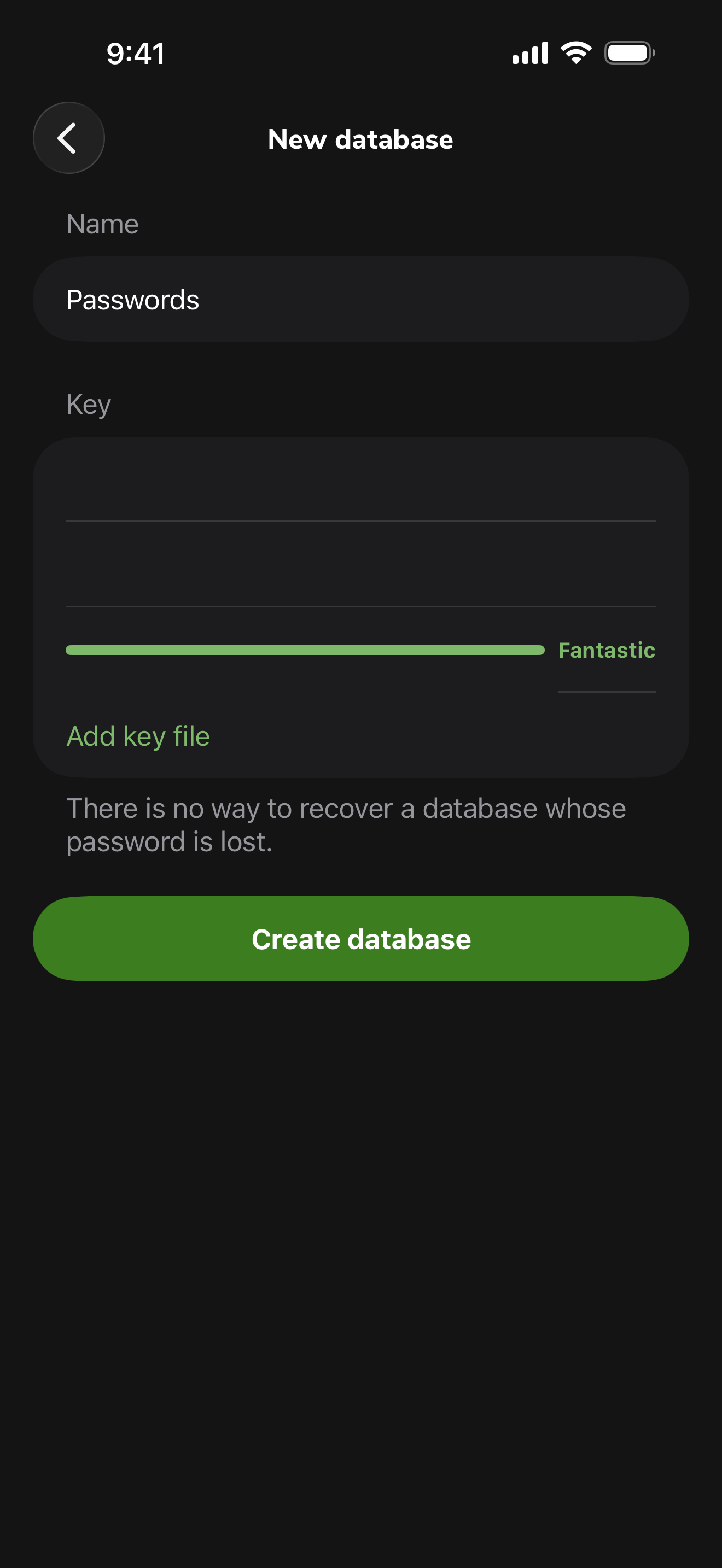
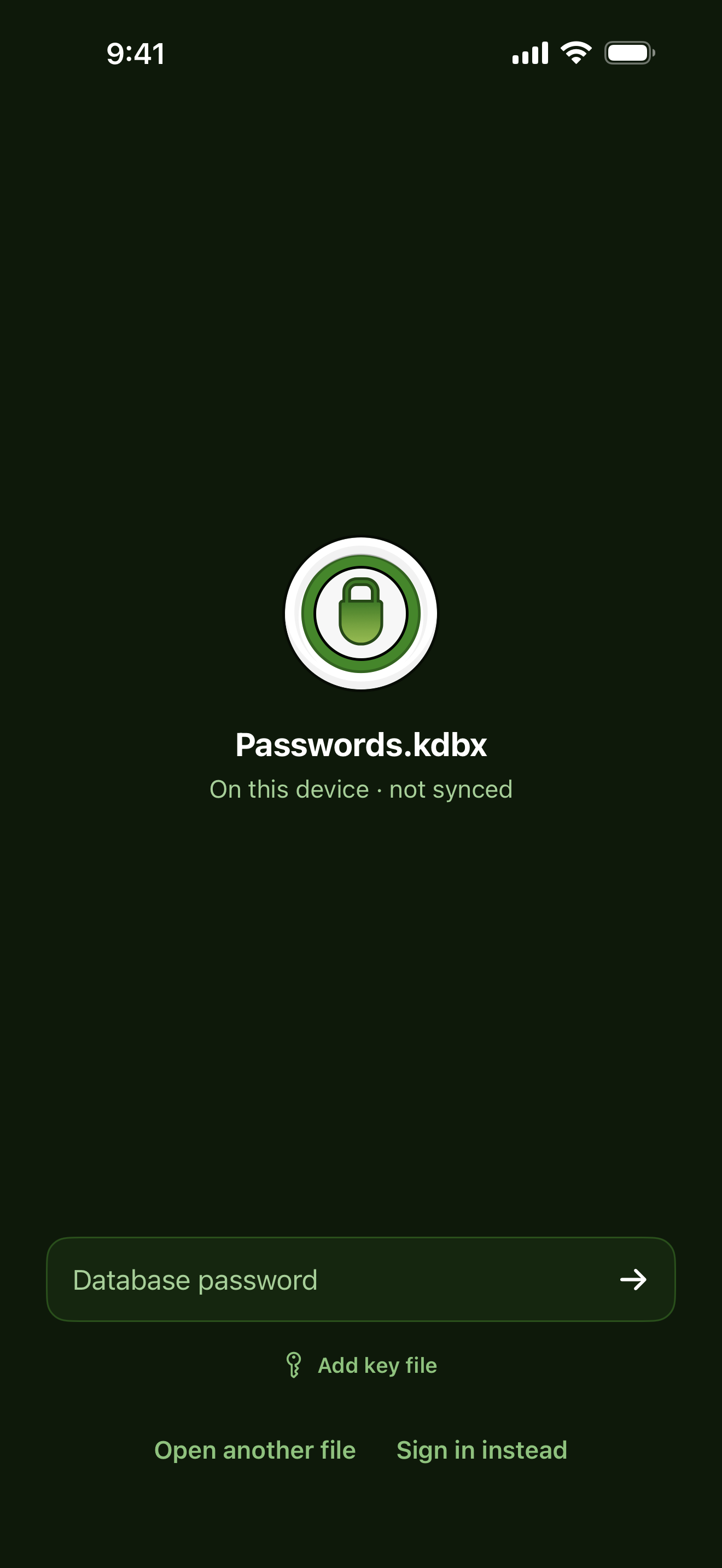
You don’t need an account to use the app. Open a .kdbx file from Files, iCloud Drive or any storage app, or create a
new database right on your phone. Changes are saved back to the file, so it keeps working with OpenVireo and KeePassXC
on your computer.
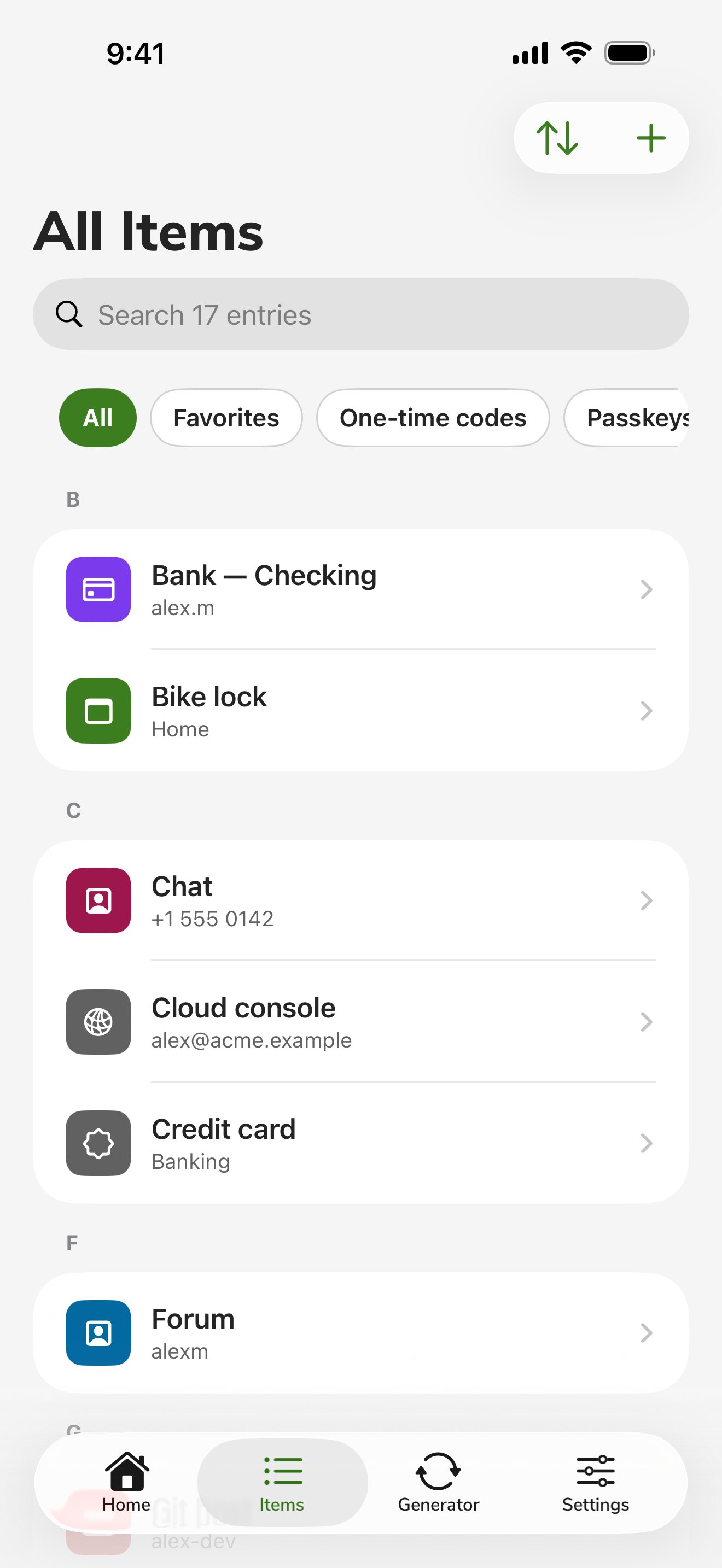
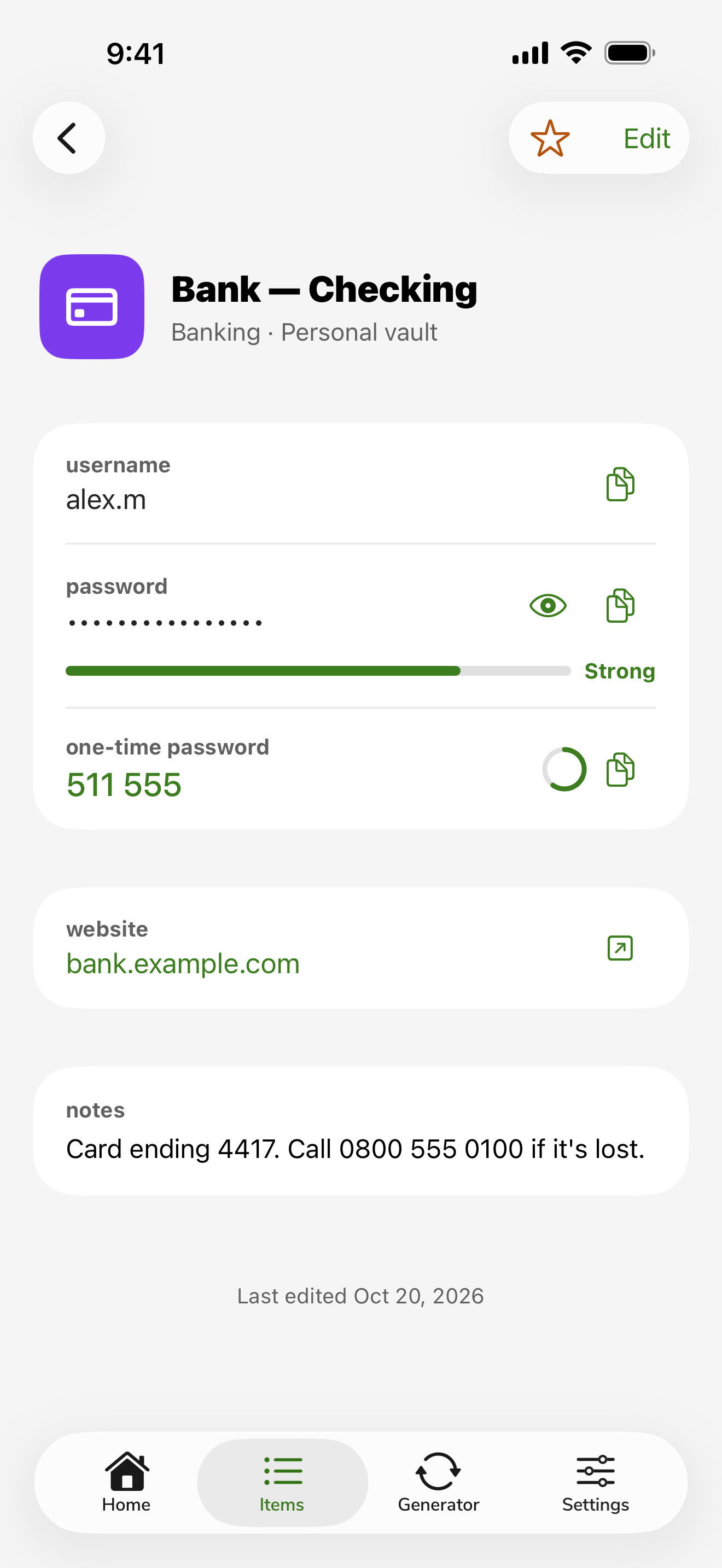
Everything you keep in a database is there: passwords, notes, attachments and custom fields, plus one-time codes with a QR code scanner to set them up.
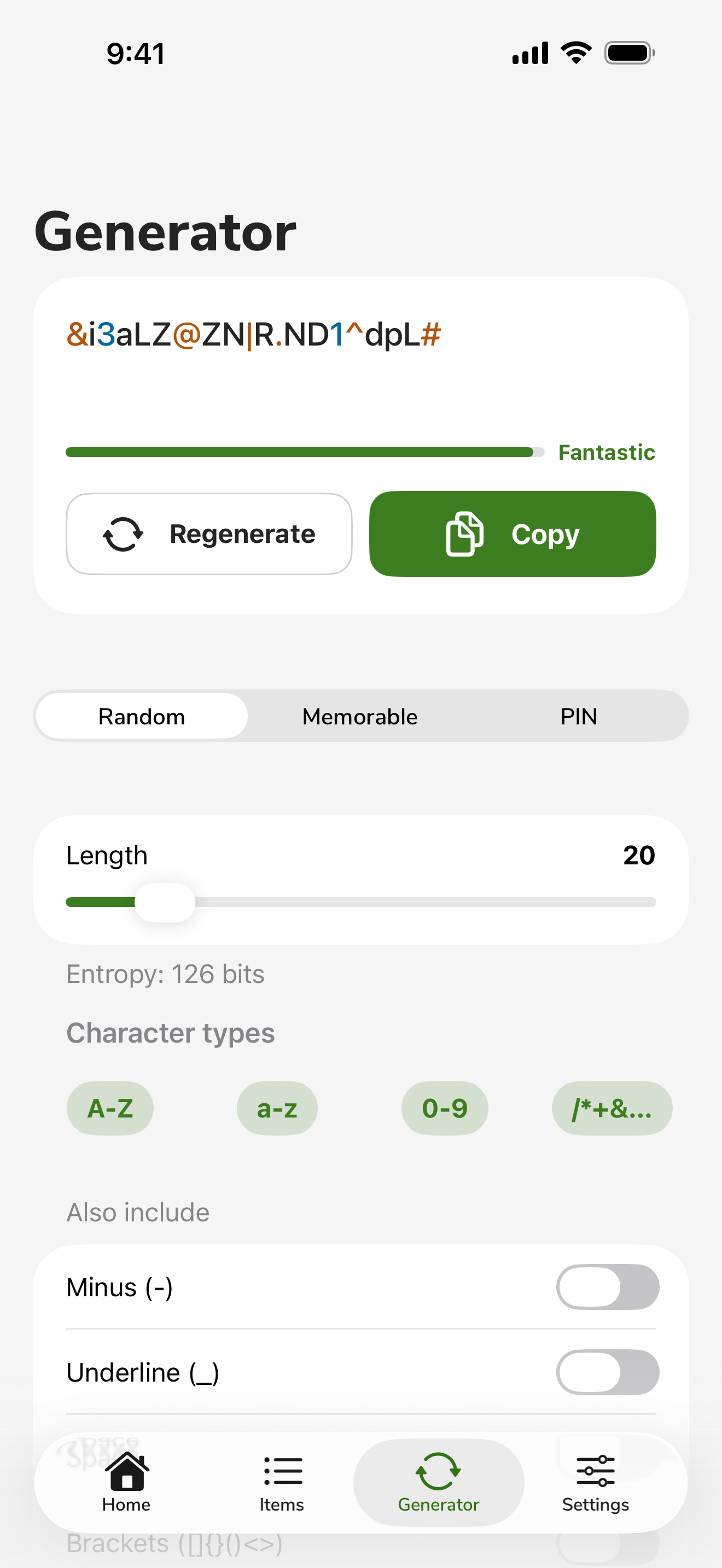
The password generator makes random passwords, passphrases and PINs.
Sync, if you want it
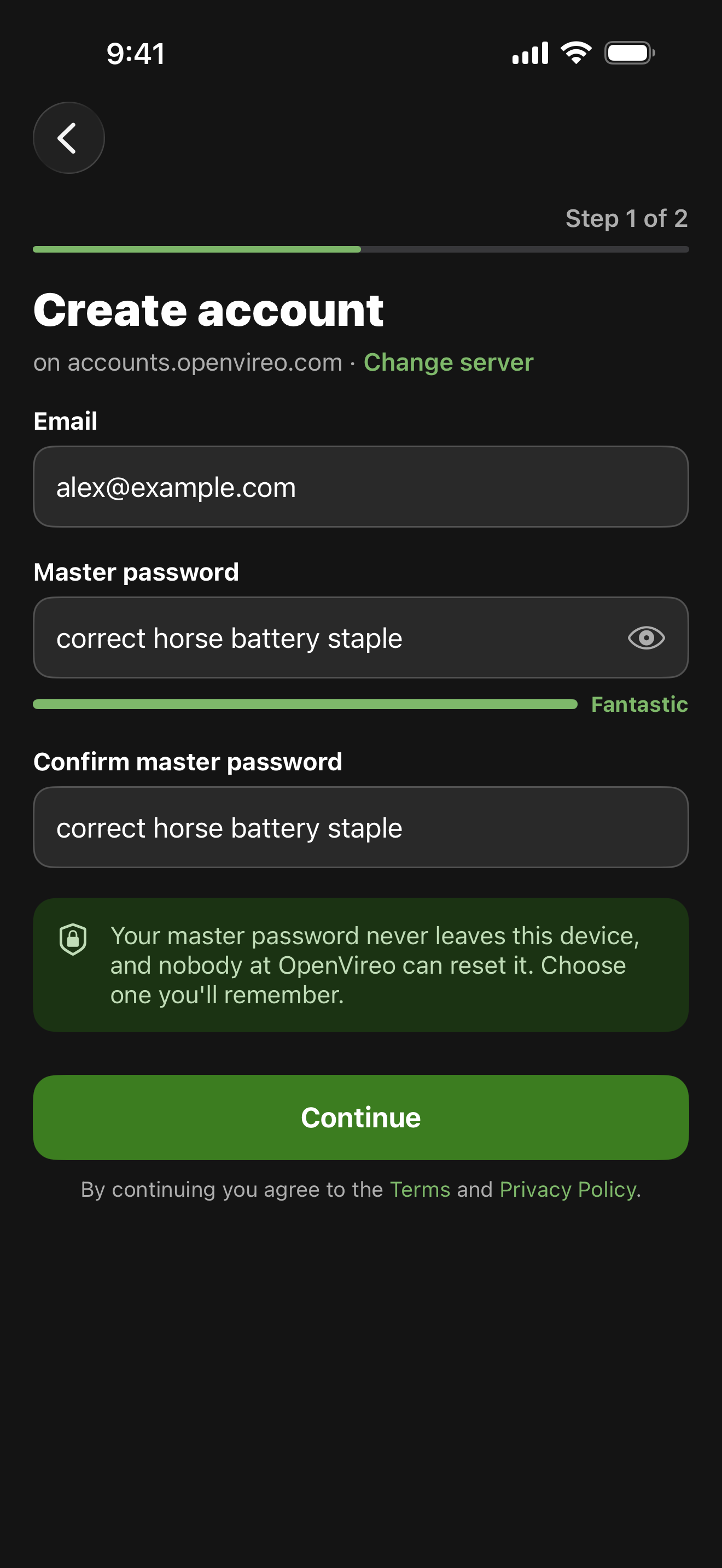
Sign in to an OpenVireo account and your vaults stay in step between your iPhone, your computers and the web app. You can create a free account right in the app.
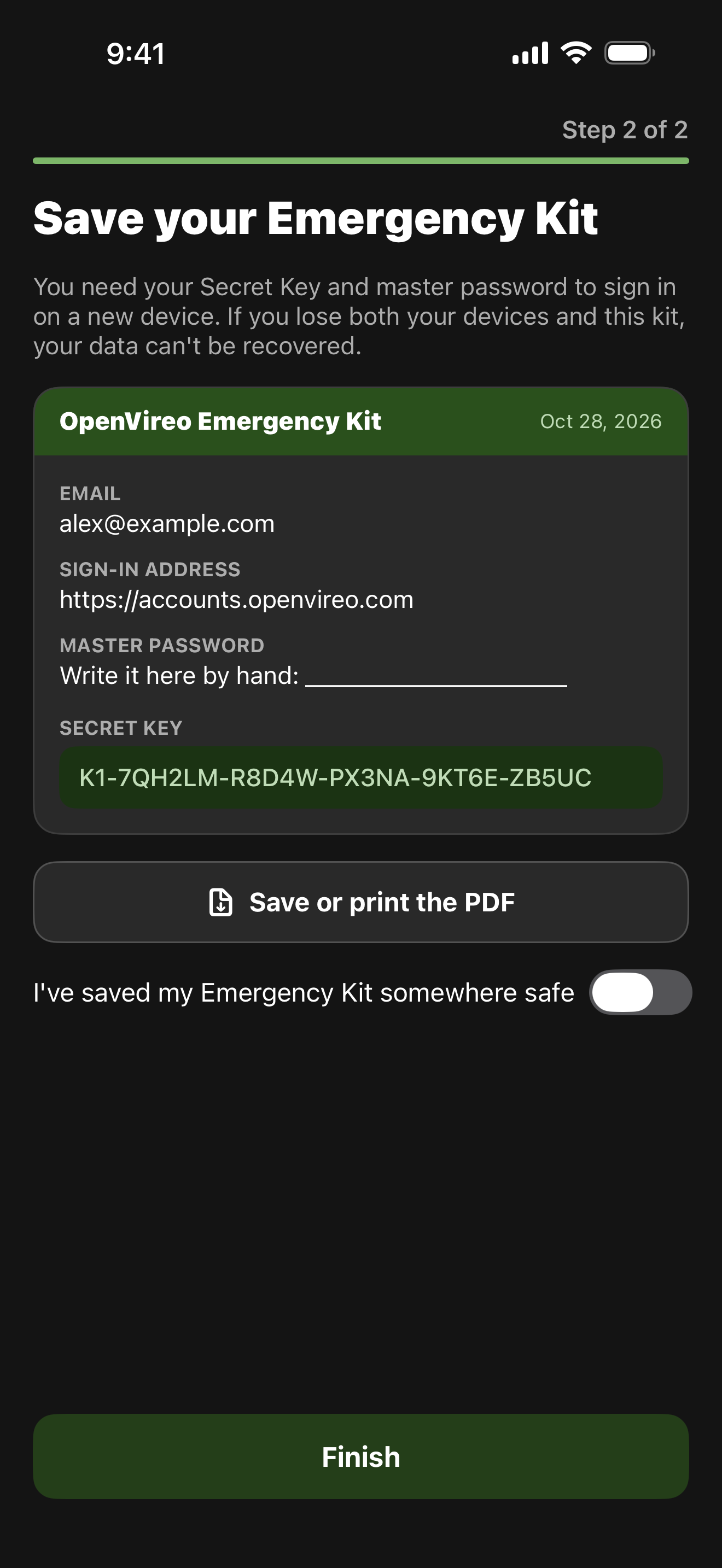
When you do, you get an Emergency Kit: a page with your Secret Key, a code made on your phone that never leaves your devices. Your vaults are encrypted with a key made from your master password and that Secret Key, so our servers only ever store files they can’t open. Keep the Emergency Kit somewhere safe; you need it to sign in on a new device.
Your passwords, even with no signal
A password manager that needs the internet to open isn’t much use in a basement car park. Once your phone has unlocked your account online, it can always open your vaults, whether you’re in airplane mode, on hotel Wi-Fi that doesn’t work, or on one bar of signal. Edits you make offline are kept and upload when you’re back online. Read more about how offline access works.
Bring your KeePass file into your account
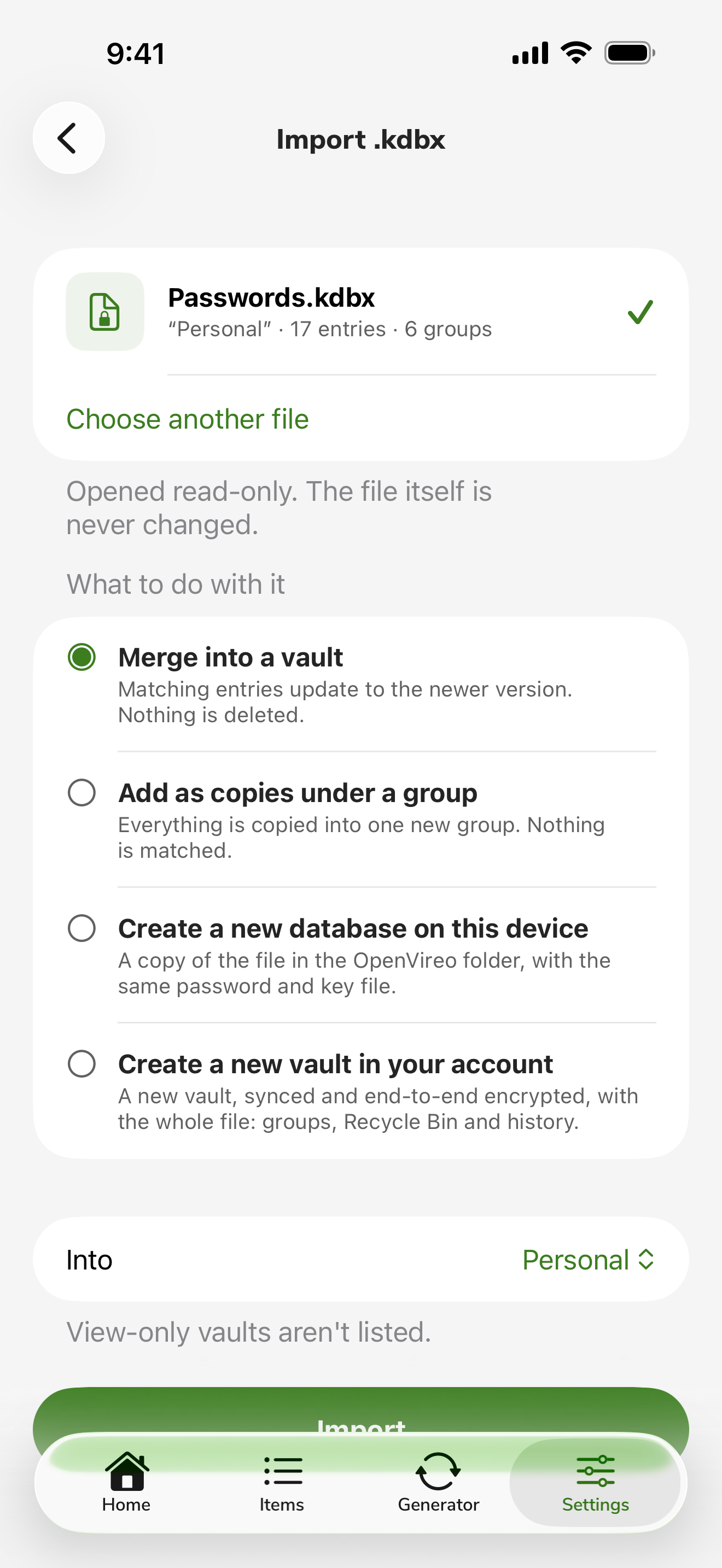
Already have a .kdbx? Import it into a vault: merge it into one you have, add it as copies under a group, or make it
a new synced vault. The file itself is opened read-only and never changed.
Organizations in your pocket
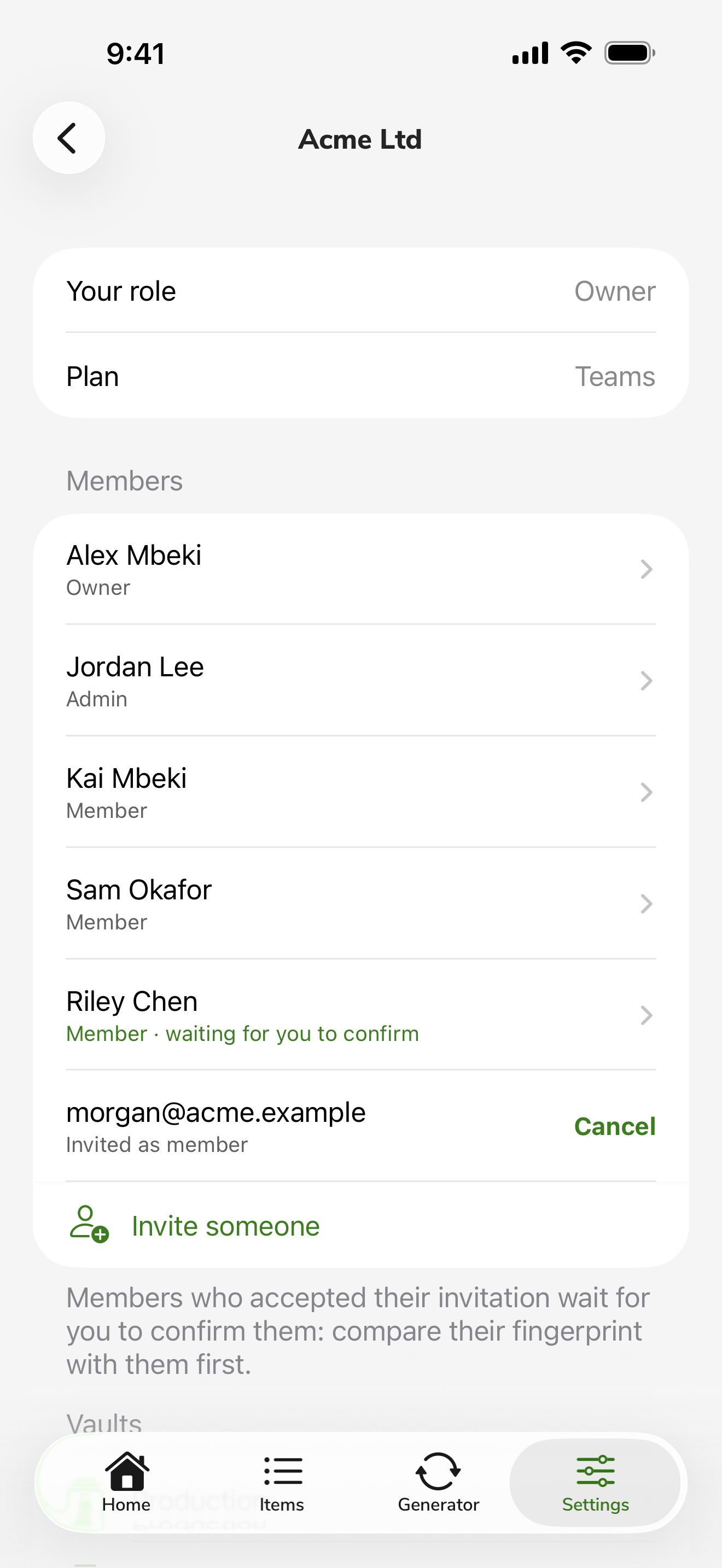
If you run an organization for your family or team, you can manage it from your phone: invite people, confirm new members after comparing their fingerprints, and choose who can open each vault.
And the rest
- AutoFill for passwords and passkeys in Safari and your apps, from your account vaults and your KeePass files.
- Face ID to unlock at a glance. OpenVireo locks itself again when you leave it, after the time you choose.
- Share links to send a password to someone who doesn’t use OpenVireo.
- Your own server. Point the app at the open-source sync server and keep your KeePass files in step on every device.
Get it
The app needs iOS 18 or later and is on the App Store with OpenVireo 1.0. Find it on the iPhone page.
Feedback
Please report any bugs you encounter at our GitHub issue tracker. See our contact page for further options.