
OpenVireo is a free, open-source password manager for macOS, Windows and Linux, with a web app now and an iPhone app on
the way. It keeps your passwords in the standard KeePass (.kdbx) format, fills them into websites and apps, and, only
if you want, syncs and shares them through an end-to-end encrypted account.
Why another password manager?
KeePass-style password managers get one big thing right: your passwords live in a file you own, encrypted with a key only you have. Nobody can lock you out of it, change the price on you, or lose it in a breach.
What they’ve never made easy is the rest of modern life: the same passwords on your laptop, your phone and your work
computer, a vault shared with your family, a few secrets handed to a CI pipeline. People end up syncing .kdbx files
through cloud drives and hoping two devices never save at the same time.
OpenVireo keeps the file-you-own model and adds the missing pieces, without asking you to trust our servers with anything they could read.
Built on KeePassXC
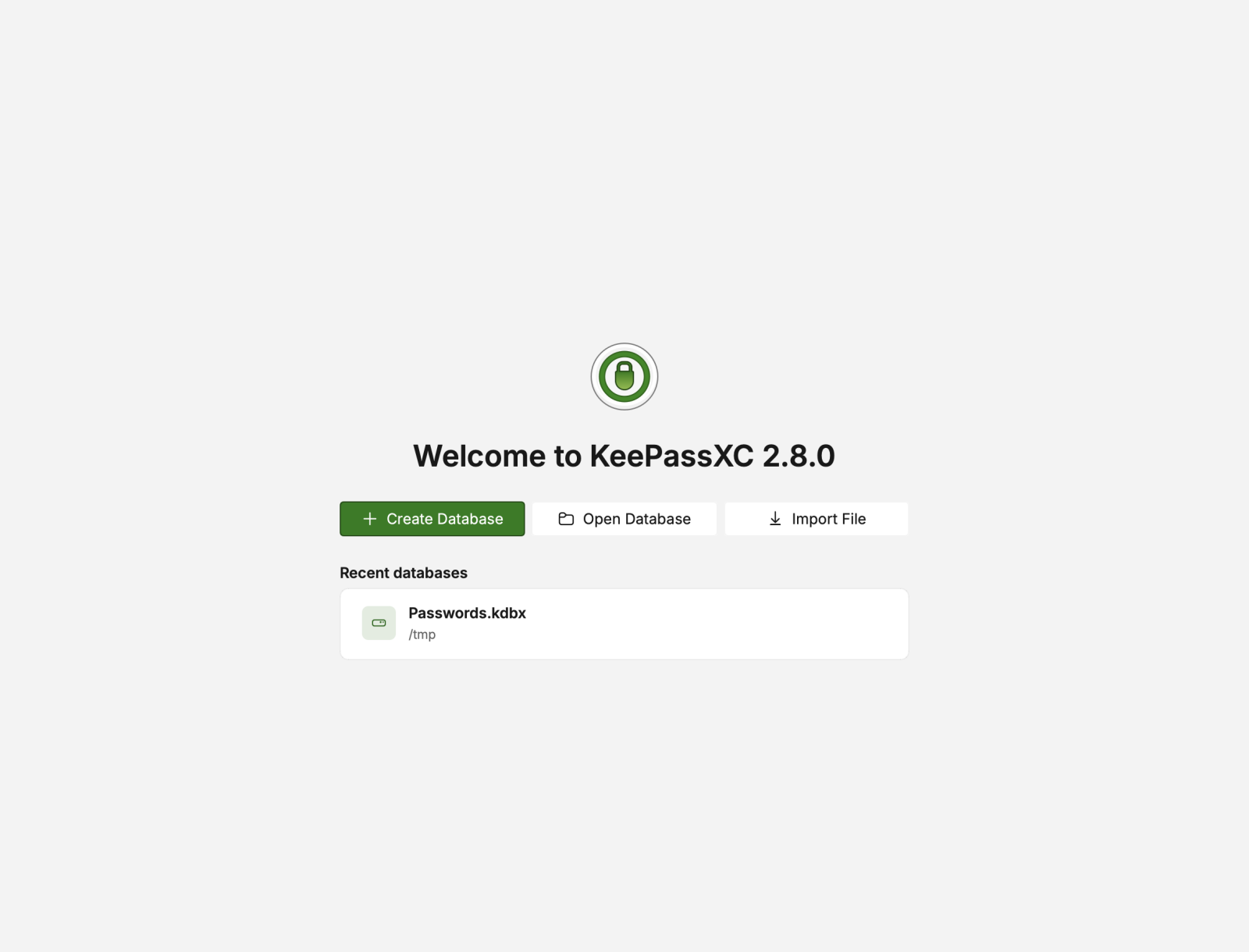
OpenVireo is a fork of KeePassXC, the cross-platform KeePass client that many people already rely on. Everything you may know from it is still here: Auto-Type, browser integration, passkeys, the SSH agent, TOTP codes, database reports, the password and passphrase generators.
OpenVireo is an independent project. It isn’t affiliated with or endorsed by the KeePassXC Team, so please report OpenVireo problems to us. The original copyright and licence notices stay in the source, as the GPL requires.
Your databases stay compatible. A .kdbx file saved by OpenVireo still opens in KeePassXC, KeePassDX, Strongbox and
other KeePass clients. If you ever leave, your data comes with you.
Three ways to use it
The first time you start OpenVireo, it asks how you want to use it:
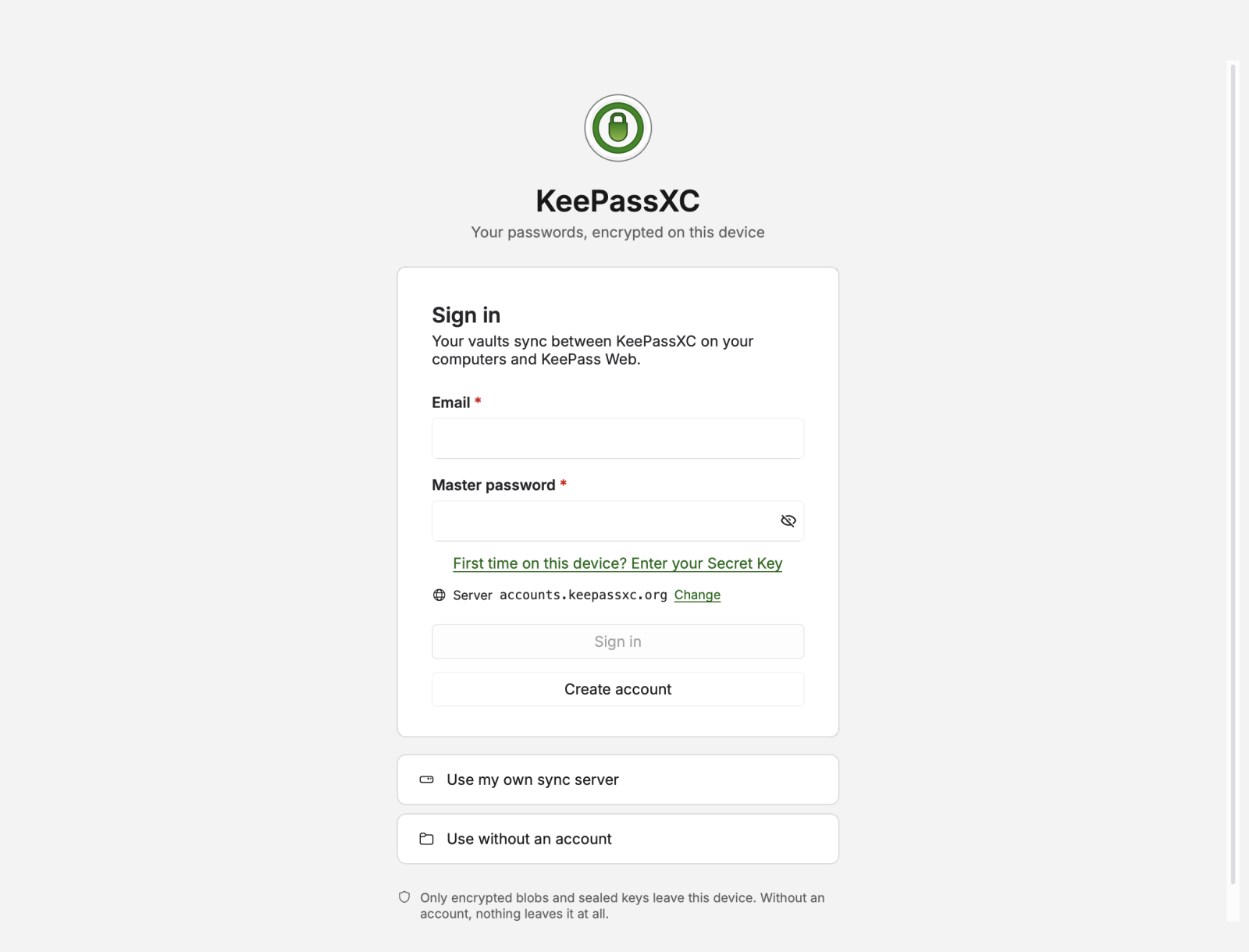
- Without an account. Open or create a
.kdbxfile and keep it wherever you like. This works exactly as KeePassXC does, and it always will. - With your own sync server. Run the open-source OpenVireo Sync Server on your own machine, and every device stays in step with the same database. No account, no plans, no limits.
- With an OpenVireo account. Sign up for free and your vaults sync between OpenVireo on your computers, OpenVireo Web in your browser, and soon your iPhone.
What an account adds
An account is where most of what’s new lives:
- Sync across every device, with edits made at the same time merged instead of overwritten.
- Sharing. Share a vault with people you choose, as read-only, read-write or manage.
- Organizations for families and teams, with shared vaults and an audit log.
- Share links to send one password to someone who doesn’t use OpenVireo, with no sign-up on their side.
- Service accounts so the
ovcommand line tool, a GitHub Action or Kubernetes can read the secrets they need.
All of it is end-to-end encrypted. Your vaults are encrypted on your device, with a key made from your master password and a Secret Key that only you hold. Our servers store encrypted files and nothing they can open. We explain exactly what they can and can’t see in What our servers can’t see.
What it costs
The desktop app, the browser extension, the command line tool, your local databases and the self-hosted sync server are free, with no limits, always. The hosted account has a free plan, and paid plans for more vaults, more storage and teams. Security features are never a paid extra: two-step verification, the Emergency Kit, account recovery and export are in every plan. See pricing for the details.
Where things stand
OpenVireo is in beta. Version 0.9.0 is out for macOS, Windows and Linux, signed and with automatic updates. The web app is live, and 1.0 will ship together with the iPhone app.
Download OpenVireo, or try the web app. The code is all on GitHub, and we’d love to hear what you think.
Feedback
Please report any bugs you encounter at our GitHub issue tracker. See our contact page for further options.